A content audit tool helps you list every page on a site, see how each one performs, and decide whether to keep, update, merge or delete it. No single tool does all three jobs well. Most teams pair a crawler (Screaming Frog or Sitebulb) with Google Search Console and GA4. If the budget allows, they add an SEO suite or a decay report.
If you need a free tool, you have real options. Screaming Frog’s free version crawls up to 500 URLs. Ahrefs Webmaster Tools audits up to 5,000 pages a month on a site you verify. Search Console and GA4 cost nothing.
Disclosure: this page is on Flowra’s site, and Flowra is one of the tools below. There are no affiliate links. Every price was checked on the vendor’s own pricing page on 12 October 2026. We did not run a side-by-side audit with every tool, so feature claims stick to what each vendor documents.
What a content audit tool actually does
A content audit is a page-by-page review of what you have published. For each URL you record what it is, how it performs, and what you will do with it. For the full process with a template, see our guide on how to do a content audit.
Why content audits matter
Sites decay quietly. Pages lose clicks as competitors publish better answers. Two of your own posts can also split impressions for the same query, so neither ranks as well as one combined page would. Outdated prices, broken screenshots and old advice cost you trust and conversions. Google’s guidance on creating helpful, people-first content warns against changing a page’s date to look fresh when the content has not substantially changed, so a real update beats a new timestamp.
Pages Google never indexed earn no search traffic, however good they are. Writing more of them wastes effort until the cause is fixed. When you merge pages, Google’s guide to consolidating duplicate URLs explains how redirects and canonicals tell it which URL to keep.
The three kinds of tool
Most “best tools” lists mix these up:
- Crawlers find every URL and record what is on it: status code, title, H1, word count, canonical and internal links. Examples are Screaming Frog, Sitebulb, and the site audit modules in Semrush and Ahrefs. A crawler cannot tell you whether anyone reads a page.
- Performance data tells you what each page earns. Search Console gives clicks, impressions, CTR and position. GA4 gives sessions, engagement and key events (GA4’s name for conversions).
- A decision sheet, usually a spreadsheet, joins the crawl and performance data on URL and holds a verdict per row.
So the honest answer to “which content audit tool?” is usually “two or three of them”.
Flowra, which we make, covers the second and third parts for you: it reads Search Console, GA4 and WordPress and turns them into a list of pages to keep, refresh, merge or remove, so you are not joining spreadsheets by hand. Pair it with a crawler for the technical checks.
Content audit tools compared: prices checked 12 October 2026
| Tool | Kind | Free option | Paid price (checked 12 Oct 2026) |
|---|---|---|---|
| Flowra (our tool) | Finds the pages losing traffic, helps fix them and measures the result (Search Console, GA4, WordPress) | Free plan, 1 site, content decay report included | Starter $49, Pro $129, Agency $299 a month |
| Screaming Frog SEO Spider | Desktop crawler | Same features, 500 URL crawl limit | $279 per licence per year, less per licence from 5 licences |
| Sitebulb (desktop) | Desktop crawler | 14 day trial of Pro, no card; no free plan | Lite (1 user, 10,000 URLs per audit) or Pro (500,000 URLs per audit, raisable to 2 million); price shown in your currency on the vendor page |
| Sitebulb Cloud | Cloud crawler, 2+ users | None stated | From GBP 95 a month |
| Semrush | SEO suite | Free account: 1 project, 10 reports a day | SEO $139 a month ($117.33 billed yearly), Starter $199, Pro+ $299, Advanced $549 |
| Ahrefs | SEO suite | See Ahrefs Webmaster Tools | Starter $29, Lite $129, Standard $249, Advanced $449, Enterprise $1,499 a month (yearly saves up to 17%) |
| Ahrefs Webmaster Tools (now called Ahrefs Free) | Crawler plus backlinks, own sites only | Free for unlimited verified sites, 5,000 crawl credits a month per project | Free |
| Google Search Console | Performance data | Free | Free |
| Google Analytics 4 | Behaviour and conversions | Free | Free |
Sources: Screaming Frog pricing, Sitebulb pricing, Semrush prices, Ahrefs pricing and Ahrefs Webmaster Tools. Prices change, so check on the day you buy.
The core content audit tools, one by one
Flowra: the pages to fix first, and proof the fix worked
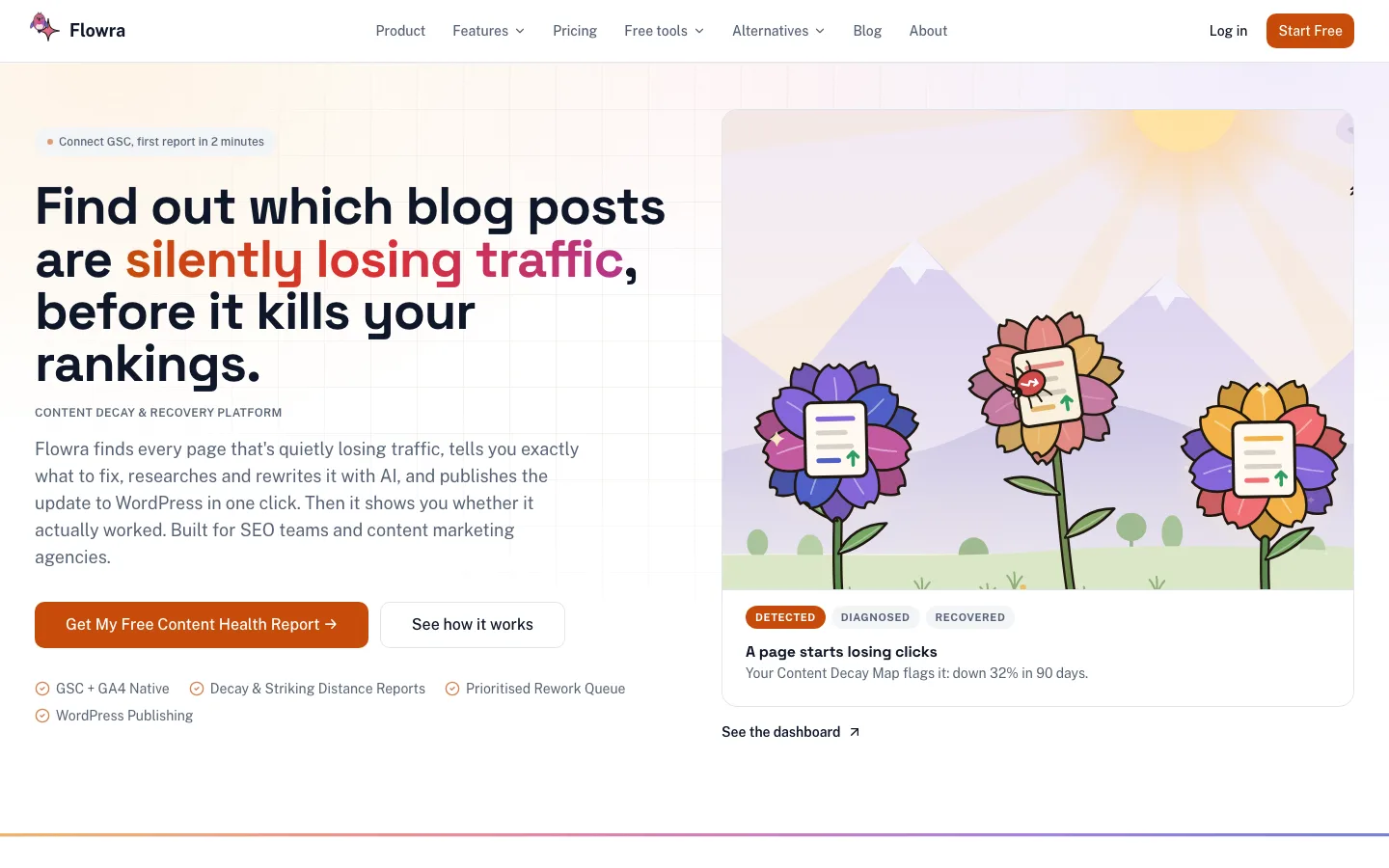
We make Flowra, so weigh this section with that in mind. It covers the part of an audit that crawlers leave to you: deciding what to do with each page based on how it actually performs. It connects to Search Console, GA4 and WordPress, turns that data into lists of pages to act on, and then measures whether each change worked.
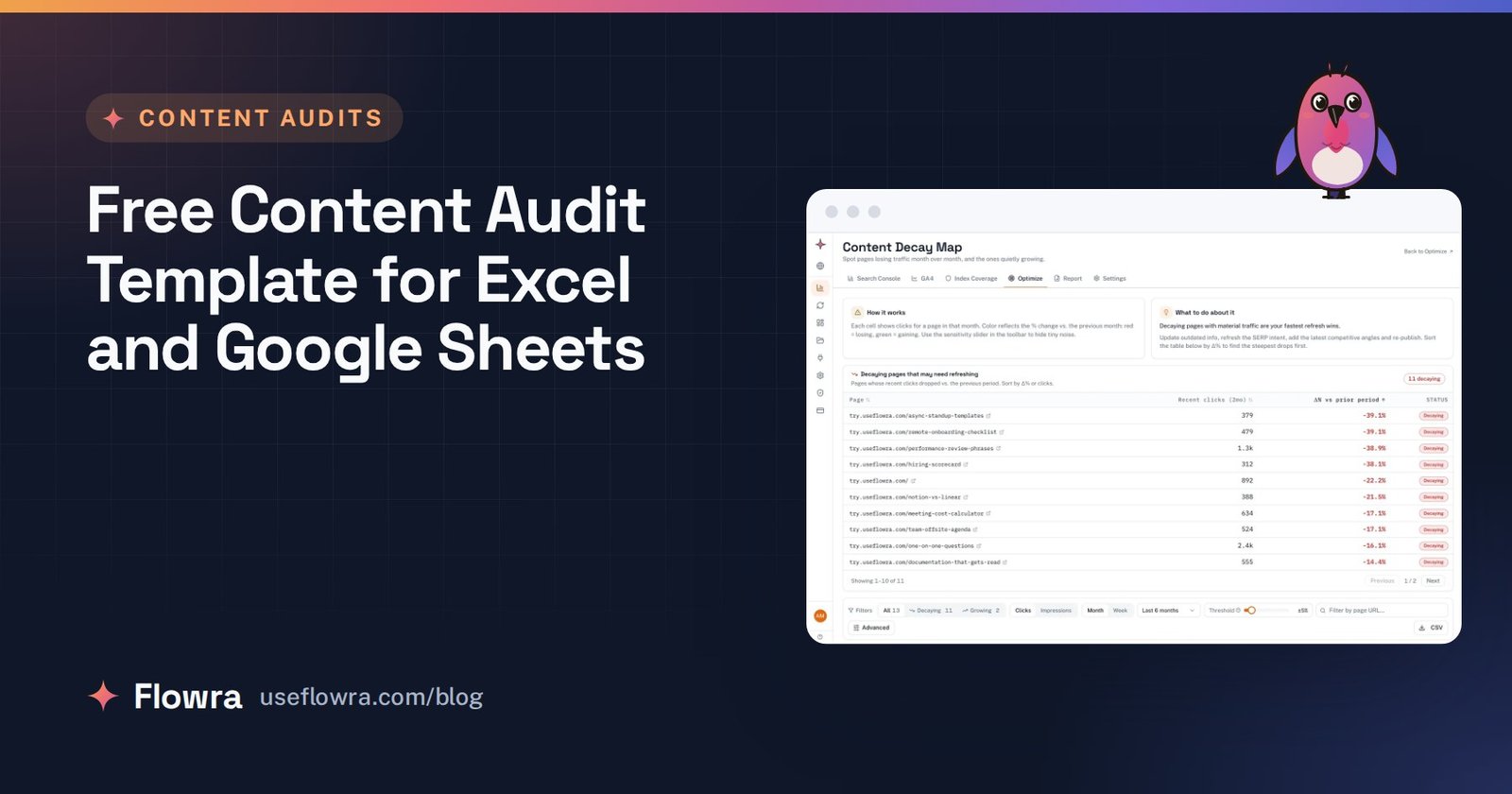
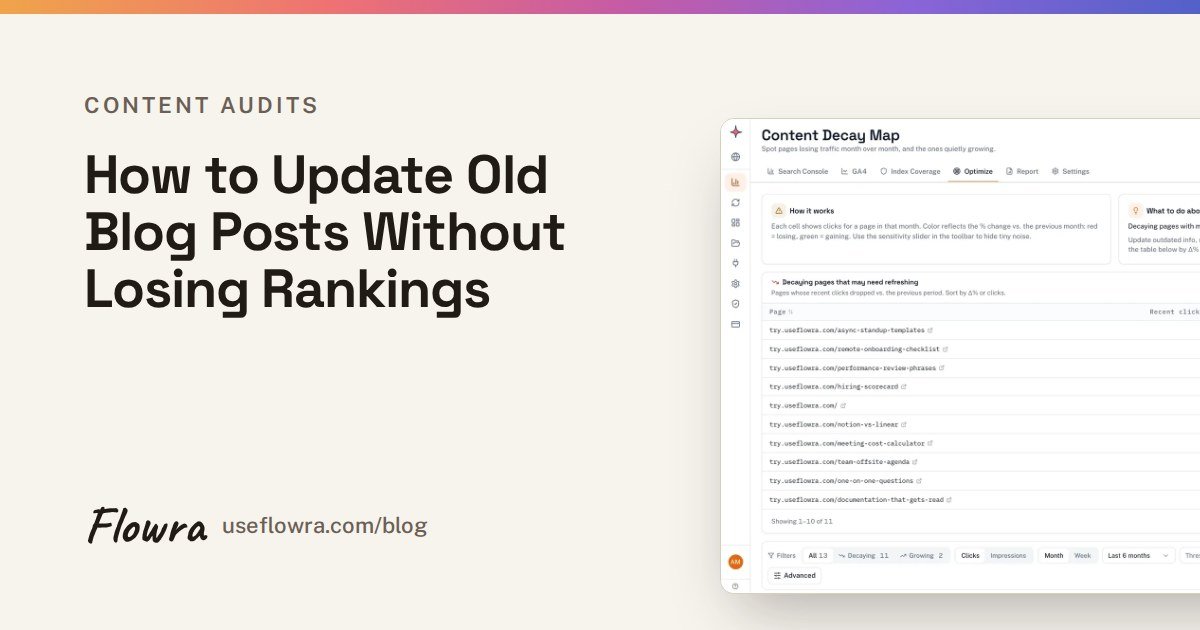
- Content decay report (Free plan): pages whose clicks and impressions are falling, in a queue to fix.
- Striking distance: queries where a page ranks roughly 8 to 20. The top 5 are on Free; the full report comes with the analytics dashboard on Starter.
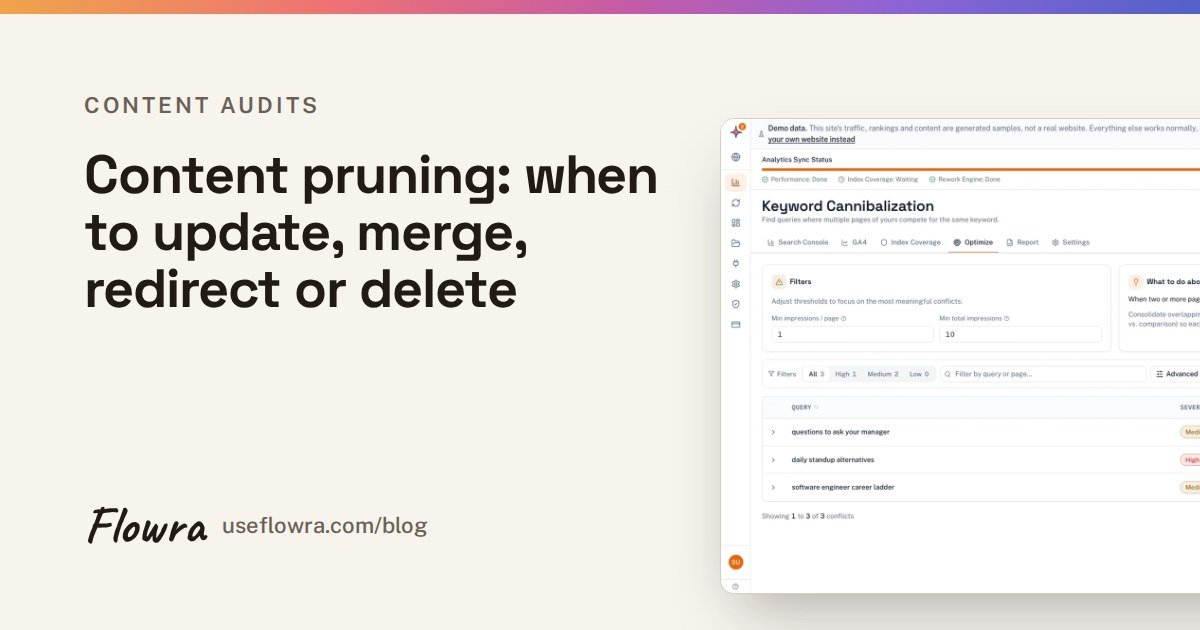
- Keyword cannibalization reports, Index Coverage Monitor and Rework Queue (Pro): index coverage and rework need a WordPress site. Analytics works for any site in Search Console.
- Measure a change: tag a change and it compares the period before and after, with a 14 day settling window and an adjustment for the whole site’s movement. It is a before-and-after comparison, not a split test.
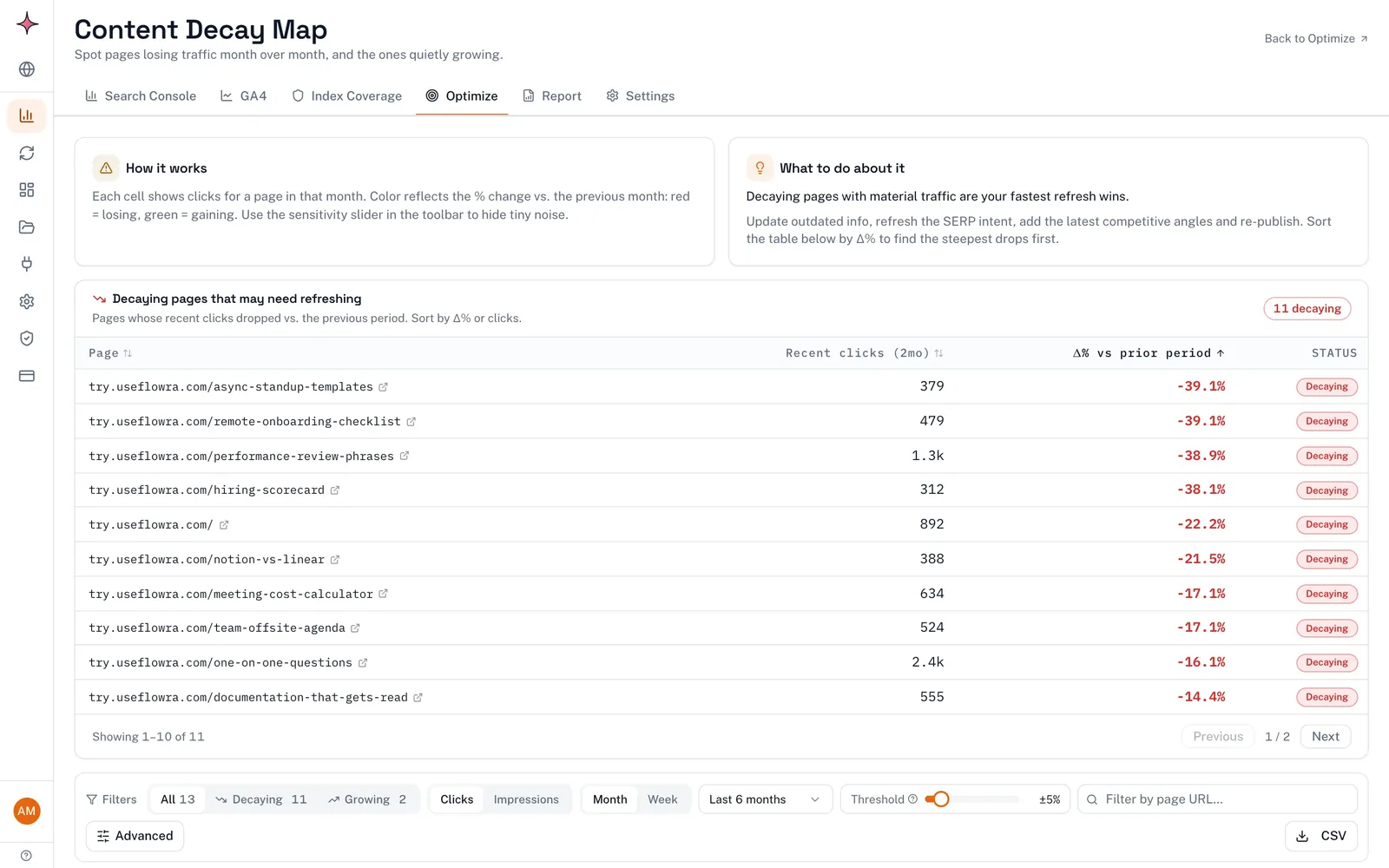
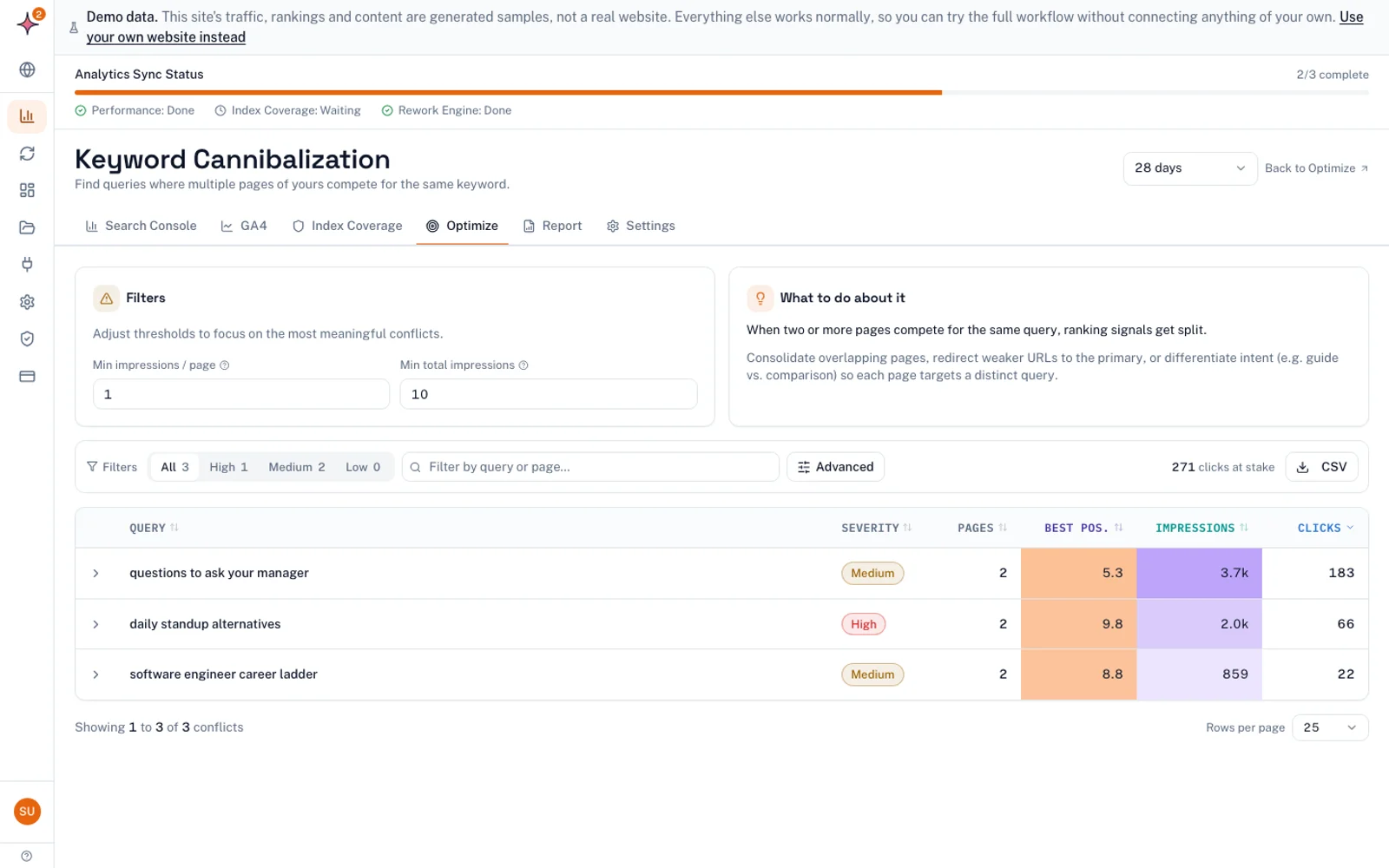
What it does not do: it has no site-audit crawler, no backlink data and no keyword volume database, so pair it with Screaming Frog or Ahrefs Webmaster Tools for the technical half. See how Flowra works, or start free: the Free plan covers one site and includes the content decay report.
Screaming Frog SEO Spider
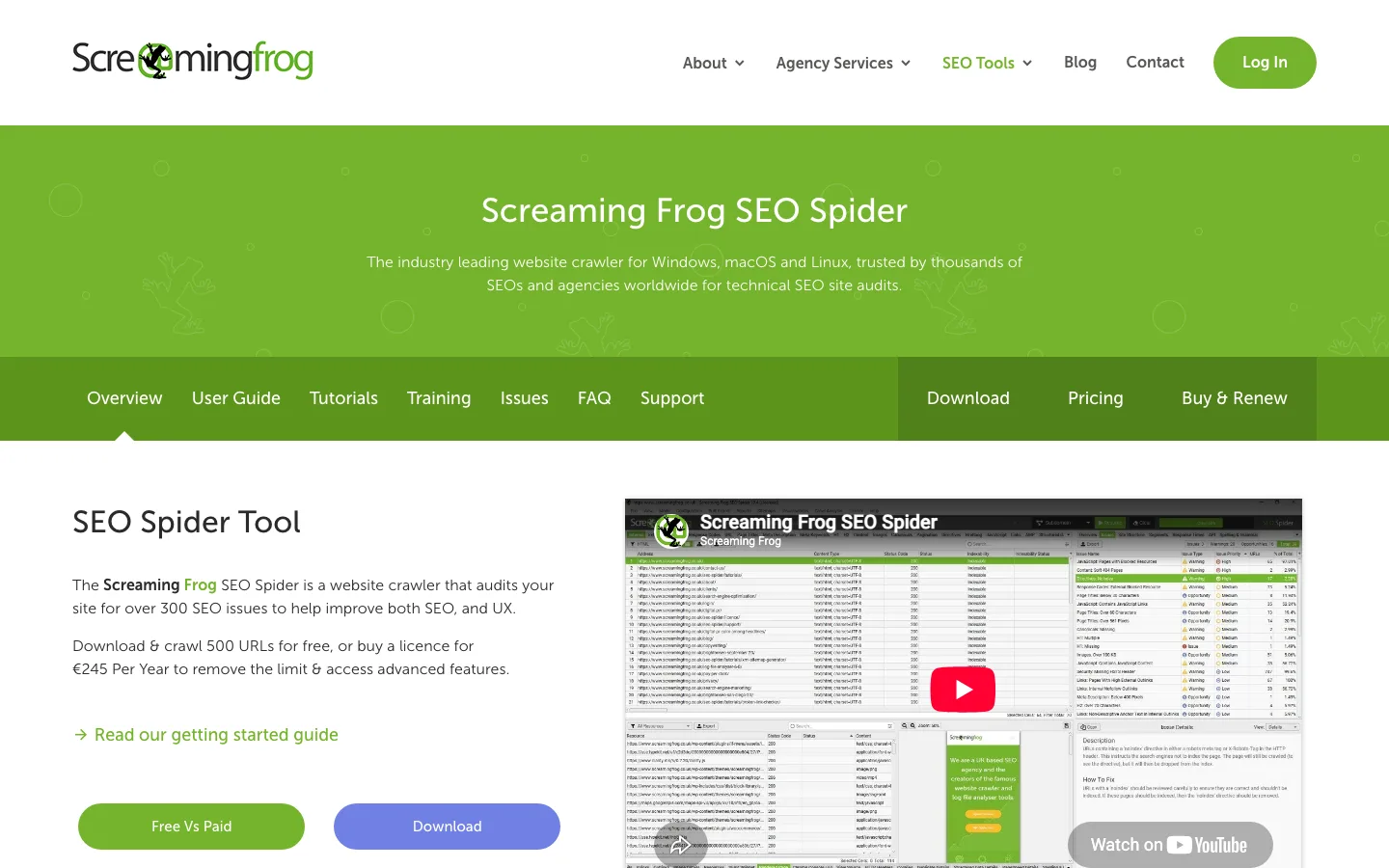
This is the default crawler for most audits. It costs $279 per licence per year, and the free version has the same features with a 500 URL crawl limit (checked 12 October 2026). Some lists call it a one-time purchase. It is a yearly licence.
Use it to build the inventory: crawl, filter to HTML, export. It runs on your own computer, so very large sites depend on your machine’s memory.
Sitebulb
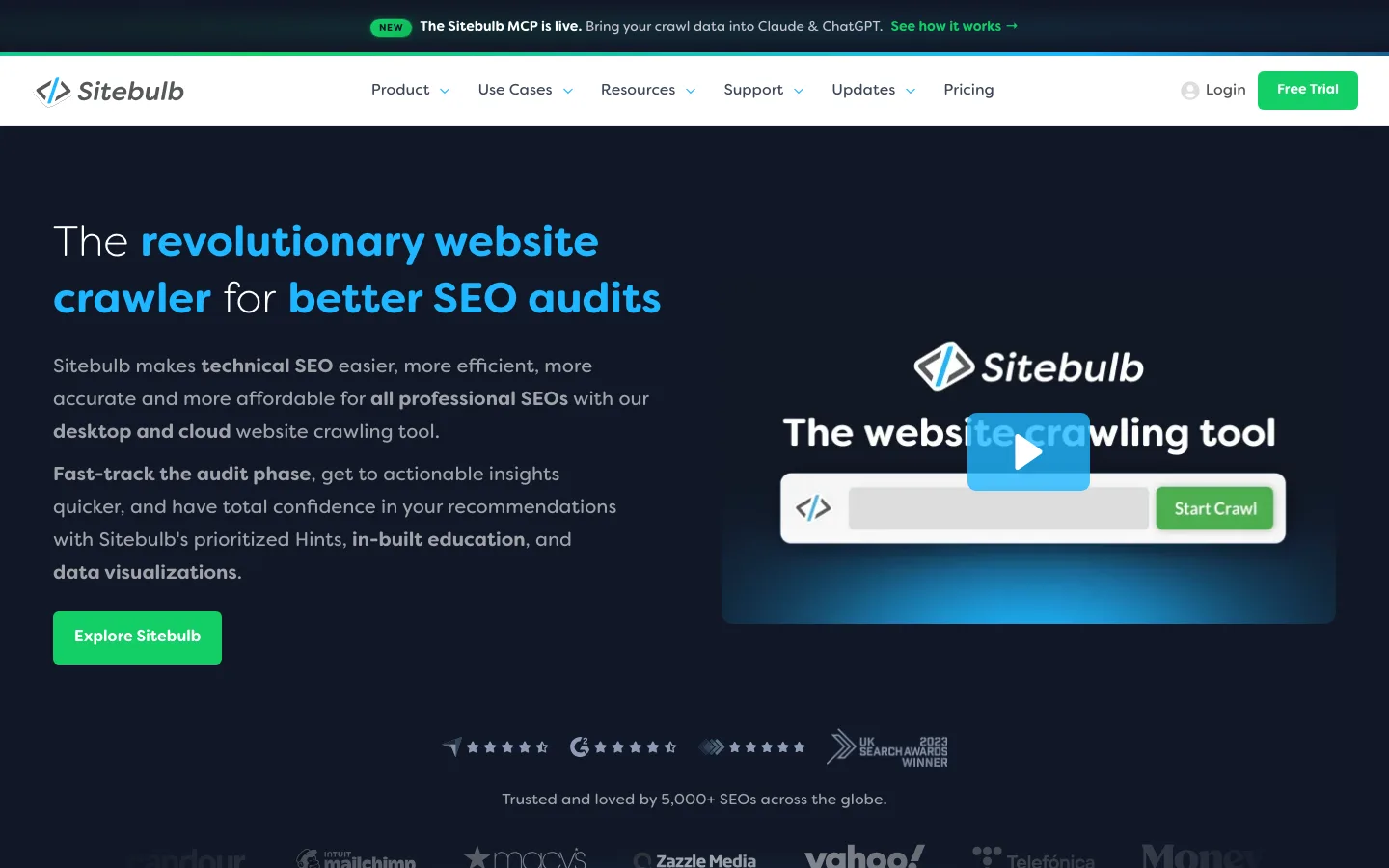
Sitebulb’s pricing page lists two desktop plans: Lite (1 user, 10,000 URLs per audit) and Pro (500,000 URLs per audit, raisable to 2 million). Both bill monthly or yearly, and yearly saves 15%. Desktop prices show in your local currency, so check the Sitebulb pricing page for the current figure.
Sitebulb Cloud is a separate product for teams of 2 or more users. The pricing FAQ on Sitebulb’s pricing page says it starts at GBP 95 a month. Some lists put Cloud under the desktop plans, which is wrong. There is no free plan, but there is a 14 day trial of Pro with no card.
Semrush
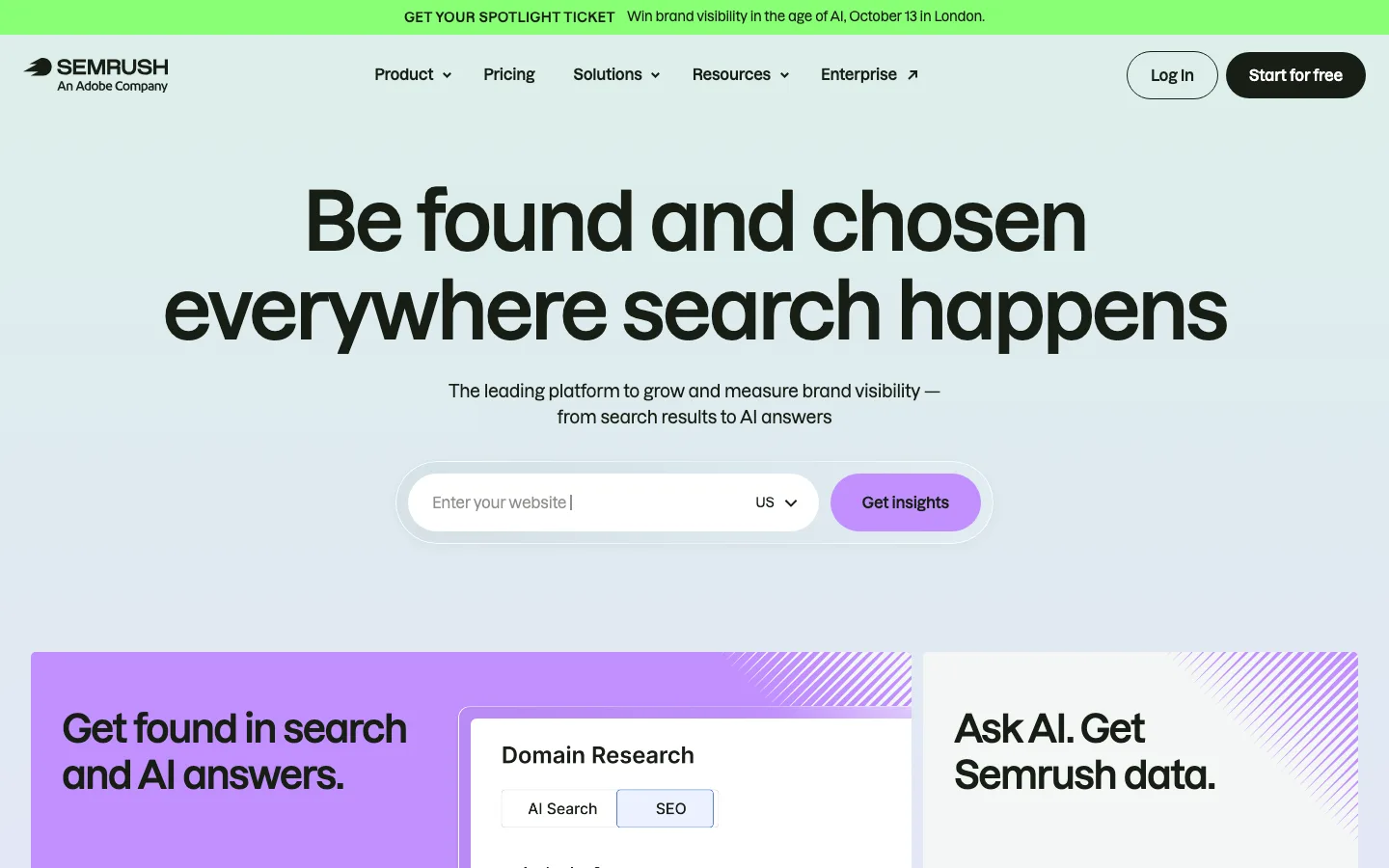
Semrush is a full SEO suite, and Site Audit is one part of it. On 12 October 2026 Semrush’s pricing page listed SEO at $139 a month ($117.33 billed yearly), Starter $199, Pro+ $299 and Advanced $549 a month. A free account needs no card and gets 1 project and 10 reports a day.
The page states no Site Audit page limit for the free account. Test it on your own site before you plan around it.
Ahrefs and Ahrefs Webmaster Tools
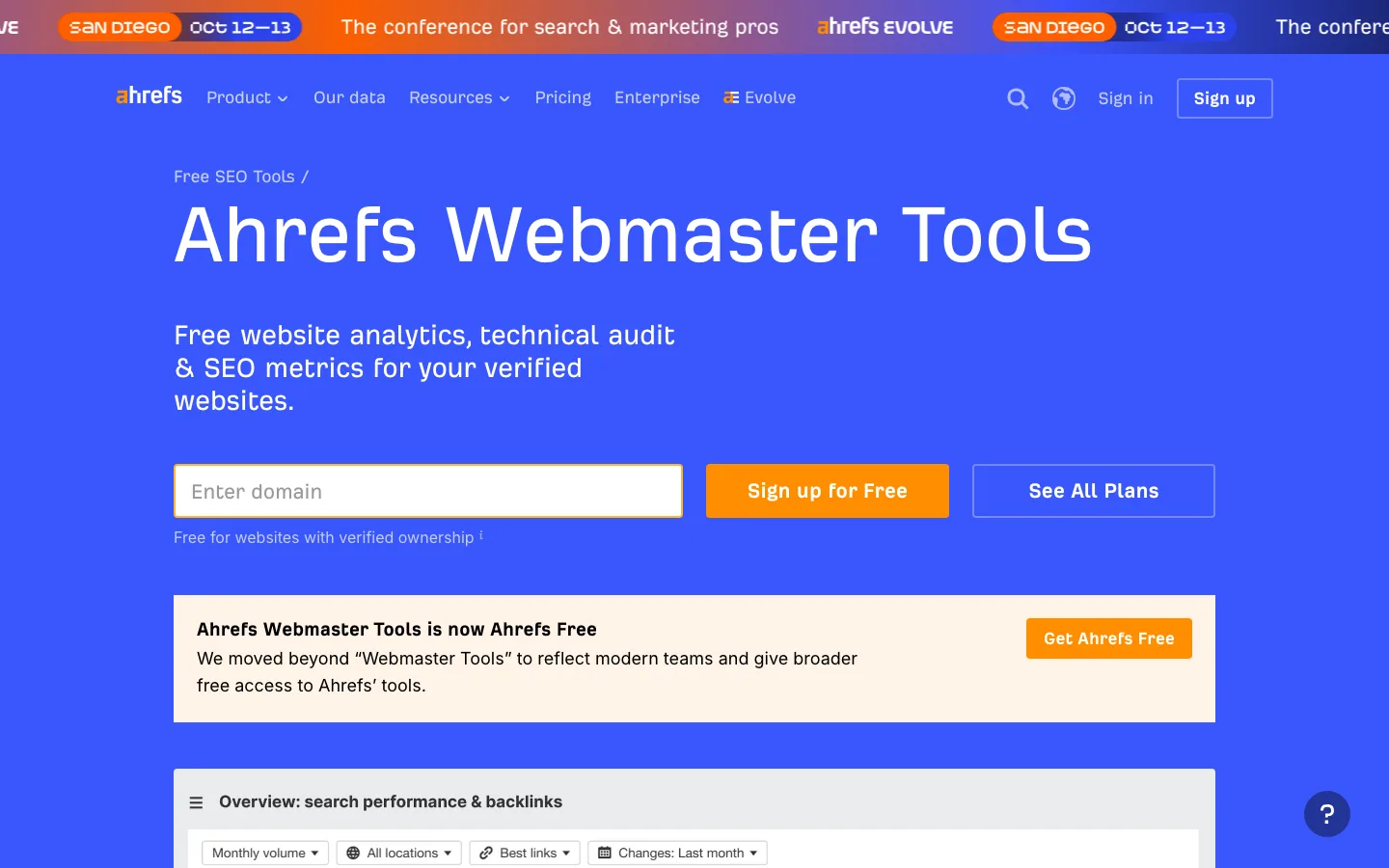
Ahrefs plans ran from Starter at $29 to Enterprise at $1,499 a month on 12 October 2026, and yearly billing saves up to 17%. Site Audit limits vary by plan, so check your tier.
The free part matters more for most readers. Ahrefs Webmaster Tools, which Ahrefs now calls Ahrefs Free, is free for any site you verify, with no limit on how many. Its Site Audit checks 170+ technical and on-page issues, with 5,000 crawl credits a month per project, and only status 200 HTML pages use credits. It also shows up to 1,000 backlinks and keywords at once, which helps when you decide whether a page is safe to delete.
Google Search Console
Search Console is the only source of Google’s own clicks, impressions and positions for your pages. Two reports matter for an audit:
- Performance > Search results shows clicks and impressions per page, with a compare mode.
- Indexing > Pages shows which URLs Google has not indexed and why (Google’s guide to the Page indexing report).
Google Analytics 4
GA4 answers what happens after the click. Reports > Engagement > Landing page shows sessions, engagement rate and key events per landing page. Use it to protect pages that convert well even when their search traffic is small.
Other content audit tools you will see on lists
These appear on many roundups. We did not check their pricing or test them for this article, so each line only says what kind of tool it is. Check the vendor’s own site for current plans.
| Tool | What kind of tool | Where it fits in an audit | Pricing |
|---|---|---|---|
| Surfer | Content optimisation | Comparing a page you plan to update with pages that rank | Not checked; see vendor |
| MarketMuse | Content planning and briefs | Finding topic gaps across a content library | Not checked; see vendor |
| Frase | Content briefs and writing | Building a brief for a page you will rewrite | Not checked; see vendor |
| Moz Pro | SEO suite | Site crawl plus keyword and link research | Not checked; see vendor |
| SE Ranking | SEO suite | Website audit plus rank tracking | Not checked; see vendor |
| Ubersuggest | Keyword research with a site audit | Light audits on small sites | Not checked; see vendor |
| BuzzSumo | Content and social research | Seeing which topics earn engagement before you update | Not checked; see vendor |
| ContentKing | Real-time site monitoring | Catching changes and errors between audits | Not checked; see vendor |
For ContentKing in particular, prices on older lists vary a lot, so check the vendor for current availability and pricing before you rely on any figure.
Free content audit tools: how far they go
A free content audit is realistic for most small and mid-sized sites:
| Free tool | Limit | Good for |
|---|---|---|
| Screaming Frog (free version) | 500 URLs per crawl | Small sites, or one folder of a bigger one |
| Ahrefs Webmaster Tools (now called Ahrefs Free) | 5,000 crawl credits a month per verified project | Sites up to a few thousand pages, plus backlink checks |
| Google Search Console | Your own verified sites | Clicks, impressions, position, indexing |
| GA4 | Your own property | Engagement and key events per landing page |
| Google Sheets | None that matters here | Joining the data and recording verdicts |
So a free audit is not capped at 500 URLs. That limit belongs to Screaming Frog’s free version, while Ahrefs Webmaster Tools goes up to 5,000 pages a month. The catch: it only works on sites you can verify, so it is no use for auditing a competitor.
Semrush vs Ahrefs for a content audit
For a content audit alone, the two suites are closer than their marketing suggests. Both crawl your site and flag on-page and technical issues. The real differences are price and the free tier:

- Free: Ahrefs Webmaster Tools publishes its limits (5,000 crawl credits a month per verified project, 170+ checks). Semrush’s free account gives 1 project and 10 reports a day, with no published Site Audit page limit.
- Paid entry point: Ahrefs starts at $29 a month and Semrush’s SEO plan at $139 a month. Check what Site Audit allows on each tier.
Our verdict: if you already pay for one, use its site audit and do not buy the other for this job. If you pay for neither, start with Ahrefs Webmaster Tools on your own site. Buy a suite when you also need competitor keyword and backlink research.
Which content audit tool is best for ecommerce product pages?
Variants, filters and pagination multiply URLs, so size decides the crawler:
- Under 500 URLs: Screaming Frog’s free version.
- Up to about 5,000 indexable pages: Ahrefs Webmaster Tools.
- Up to 10,000 URLs per audit: Sitebulb Lite.
- Large catalogues: Sitebulb Pro (500,000 URLs per audit, raisable to 2 million) or a paid Screaming Frog licence.
Crawl data alone misleads on product pages. Join it with GA4 purchases per landing page and Search Console clicks. A product page with little search traffic but steady sales should usually stay. Discontinued products with backlinks should redirect to the closest product or category, not return a 404.
How to choose a website content audit tool
Match the tool to the questions your audit has to answer:
| You need | Look for | Where it usually comes from |
|---|---|---|
| External links per page | Backlink counts before you delete anything | Ahrefs, Ahrefs Webmaster Tools, Semrush |
| Competitor analysis | Which competitor pages outrank yours | Paid suites |
| Integrations | Reads Search Console and GA4, connects to your CMS | Each vendor’s documentation |
| Conversion-path tracking | Key events per landing page | GA4 |
| SEO insight | A list of pages to act on, not just issues | Decay and cannibalization reports, or your own sheet |
| Reporting | Something a stakeholder or client can read | Suites, Looker Studio, client report tools |
If a tool only crawls, add Search Console. If it only reads Search Console, add a crawler.
How to run a content audit, step by step
- Set the scope and the goal. Pick one section (for example
/blog/) and one question, such as “which posts lost traffic this year?” An audit with no question ends as a spreadsheet nobody acts on. - Crawl to build the inventory. In Screaming Frog, crawl the site, filter the Internal tab to HTML and export. Keep URL, status code, indexability, title, H1, word count, canonical and inlinks.
- Export Search Console data. In Performance > Search results, click the date filter, choose Compare, and pick the last 3 months against the previous period (or the same period last year for seasonal sites). Open the Pages tab and export, one folder at a time on a large site.
- Export GA4 data. Open Reports > Engagement > Landing page and export sessions, engagement rate and key events.
- Check indexing. In Search Console > Indexing > Pages, open each reason under “Why pages aren’t indexed”, such as “Crawled – currently not indexed”, and note the URLs.
- Join everything on URL. Normalise URLs first: one protocol, one trailing-slash rule, lowercase, no tracking parameters. Use XLOOKUP to pull each data set into one row per page. Add a change column: (recent clicks minus prior clicks) divided by prior clicks. A page that went from 1,200 clicks to 730 shows -39.2%.
- Give every URL a verdict.
| What you see | Verdict |
|---|---|
| Clicks steady or growing, content accurate | Keep |
| Clicks or impressions falling, topic still relevant | Update |
| Two pages getting impressions for the same queries | Merge into the stronger page, 301 the other |
| No clicks or impressions for 12 months, no backlinks, no business reason | Remove (redirect if anything links to it) |
| Not indexed | Fix indexing before rewriting |
- Act, then measure. Write down the date of each change. Wait at least two weeks, then compare equal-length periods before and after, allowing for seasonality and site-wide movement.
How often to audit, and whether to use AI
Run a full audit once a year. If you publish weekly or more, add a lighter quarterly pass on decay and cannibalization. Check for traffic drops monthly, because a page that has lost clicks for three months is cheaper to fix than one that has fallen off page one.
AI helps with the slow parts. It can cluster thousands of titles by topic, summarise pages and draft updates. It cannot know which pages matter to your business, or which facts are out of date unless you give it the current ones. Let it sort and draft, and keep the keep, merge and delete decisions with a person.
What to do next
Pick your crawler from the free table above and connect Search Console. Run steps 1 to 7 on one folder this week, not the whole site. Then work through the “Update” rows first, because they already have rankings to build on.
If you would rather not rebuild the decay spreadsheet every quarter, start free on Flowra. The content decay report is on the Free plan. Keyword cannibalization reports and the Rework Queue unlock on the Pro plan.
Frequently asked questions
How much do content audit tools cost?
You can run a full audit free with Screaming Frog’s free version, Ahrefs Webmaster Tools, Search Console and GA4. On 12 October 2026, Screaming Frog cost $279 per licence per year. Suites started at $29 a month for Ahrefs Starter and $139 a month for Semrush SEO. Check each pricing page on the day you buy.
Is there a free content audit tool?
Yes, several. Ahrefs Webmaster Tools audits up to 5,000 pages a month on sites you verify. Screaming Frog’s free version crawls up to 500 URLs with the same features as the paid version. Pair either with Google Search Console, GA4 and a spreadsheet for your verdicts.
What are the 3 goals of a content audit?
First, know what you have: a complete inventory of every URL. Second, find what is not working: pages losing traffic, competing with each other, outdated or not indexed. Third, decide what to do with each page (keep, update, merge or remove) and write down why.
Why isn’t my content ranking even after a content audit?
Check indexing first in Search Console > Indexing > Pages, because a page Google has not indexed cannot rank. Then look for two of your own pages competing for the same queries, and compare your page with what ranks now to see if it matches the search intent. Give changes at least two weeks before judging them.
Will AI replace manual content audits?
Not the decisions. AI can cluster pages, summarise content and draft updates faster than a person. It cannot judge which pages matter to your business or catch outdated facts it was never given. Use it to speed up the sorting, and keep a person responsible for each keep, merge or delete call.